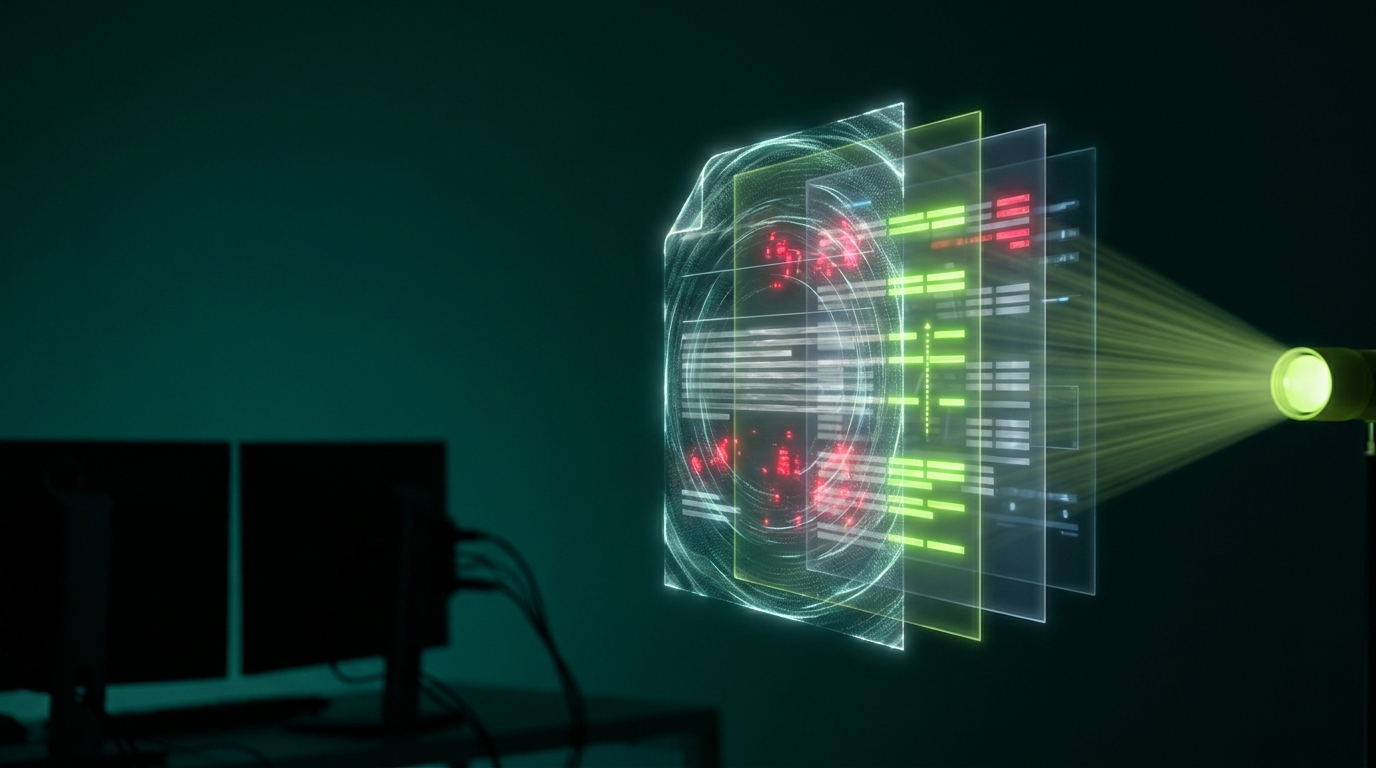
You run a security scan and get back a list of 47 findings in alarming red text. Some mention files you have never heard of. Some say "suspicious" without explaining why.
Reading a malware scan report is mostly an exercise in triage. Some of those findings are genuine compromises. Most are usually not.
Why there are so many
Scanners work by pattern matching, and the patterns they look for appear in legitimate code too.
A scanner flagging base64_decode is not wrong that malware uses it. It is also used by plenty of legitimate plugins for entirely ordinary reasons. The scanner cannot tell intent — only that the pattern is present.
So scanners err toward reporting. A tool that missed real infections would be worse than one that over-reports, which is the right trade-off but leaves you doing the interpretation.
The findings that almost always matter
Start here. These warrant immediate attention.
PHP files in the uploads folder. There is no legitimate reason for executable code in wp-content/uploads. This is close to conclusive.
Modified WordPress core files. Core files should match the official release exactly. If index.php or anything in wp-includes differs, that is either a compromise or someone hacking core directly — both need dealing with.
Files in unexpected locations. A PHP file sitting in your images directory, or a folder in the web root that nobody created.
Recently modified files nobody changed. If your site was last updated a month ago and files changed on Tuesday, that timing matters.
Unknown administrator accounts. Not a file finding, but scanners often report it and it is one of the strongest signals available.
Modified .htaccess or wp-config.php. Both are favourite targets. Read them yourself rather than relying on the scanner's judgement.
The findings that usually do not
These generate most of the volume and most of the false alarms.
"Suspicious function" in a known plugin. If the file belongs to a plugin you installed from the official repository and the version matches, it is nearly always a false positive. Verify by reinstalling the plugin fresh and rescanning — if the finding persists in a clean copy, it is the plugin's own code.
Obfuscated code in minified JavaScript. Minified files look like gibberish by design. Scanners sometimes flag them for that reason alone.
Outdated plugin warnings. Real and worth acting on, but they are a maintenance finding rather than evidence of compromise.
Missing security headers. Hardening recommendations, not infections.
Cache and log files. Constantly changing by design.
A triage order that works
- Sort by location first. Anything in uploads, or in the web root that is not standard WordPress, goes to the top
- Then by file type. PHP files matter far more than images or text files
- Then by modification date. Cluster the findings by when files changed — real infections arrive in batches
- Check the ones that survive all three by actually opening them
That last step is the one people avoid, and it is often decisive. You do not need to be a developer to spot that a file consists of one enormous unreadable string, or that a WordPress core file has extra code appended after the closing tag.
Reading a flagged file
Some practical signs, without needing to understand the code:
- Long unbroken strings of random-looking characters, especially passed to a decode function
- Code after the end of the file — legitimate files do not usually have content appended below everything else, often after many blank lines to hide it from casual viewing
- Comments in an unexpected language, or none at all where the rest of the plugin has them
- References to external domains you do not recognise
- A file whose name imitates a core file but sits in the wrong folder
The strongest signal is usually context rather than content. A file you cannot account for, in a folder where it does not belong, modified on a date when nobody was working.
The comparison that settles most cases
For anything in core, a theme, or a plugin from the official repository, there is a definitive answer available: download a clean copy of that exact version and compare.
If your file differs from the official release, that difference is the finding. If it matches, the scanner was pattern-matching legitimate code.
This removes almost all the guesswork, and it is why file integrity monitoring that compares against official releases produces far fewer false positives than pattern matching alone — covered in our guide to file integrity monitoring.
What a clean report does not prove
Worth knowing, because a green result creates false confidence.
Most scanners check files. A large share of WordPress compromises live entirely in the database — injected scripts in options, spam in post content, a user quietly promoted. The files are genuinely unchanged and the scan is genuinely clean.
Scanners also miss novel malware, and anything that only activates for certain visitors. A redirect hack that skips logged-in administrators will often skip a scanner too.
So a clean report means "nothing matching known patterns was found in the files that were checked". That is useful and it is not the same as "your site is clean".
When to stop reading and act
Escalate rather than continue triaging if you find PHP in uploads, modified core files, administrator accounts nobody created, or several unexplained files sharing a modification date.
At that point you are not evaluating a report any more — you have a compromise. Our guides to the first hour and removing malware from WordPress cover what comes next.
The underlying problem
Interpretation is the part automation cannot finish. A scanner produces evidence; someone still has to weigh it. That is genuinely skilled work, and it is why alert fatigue sets in so reliably when nobody is doing it.
Our security monitoring service covers files and database together, with a person triaging the findings — so what reaches you is a conclusion rather than a list.
Send us your scan report if you are staring at one and cannot tell which findings matter. We will tell you.
Get Shielded
We build, host, secure and monitor business websites — cleaning up hacks and keeping sites online for clients across the UK, USA, Australia and the UAE.